
Top quevo.ai alternatives for personalised learning (2026)
Commercial comparison; teacher judgement central.
Top 5 quevo.ai Alternatives for Personalised Learning 2026

Personalised learning software often creates new bottlenecks by forcing schools and teachers to choose between high costs, limited content coverage, or platforms that are not ready for mainstream classroom integration. Many tools either restrict adaptive features to paid tiers, offer incomplete subject ranges, or lack transparent information on curriculum depth and usability, complicating wide rollout. This comparison outlines features, pricing, and specific strengths across five alternatives so you can select personalised learning software that actually fits your teaching context and pupil needs.
Table of Contents
Qwixl
At a Glance
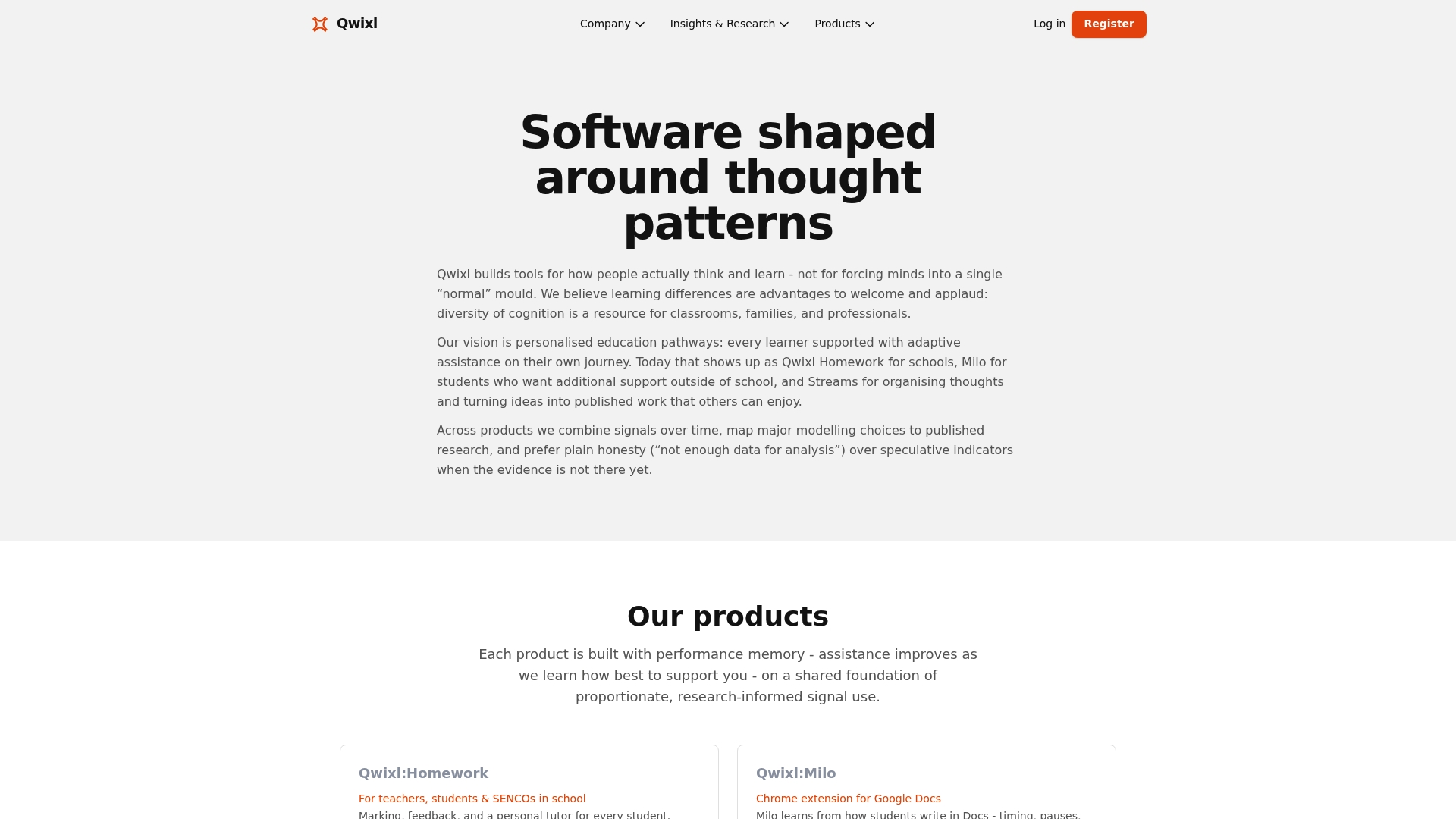
Qwixl includes a free starter allocation of 20 credits and paid tiers that begin at Silver £24 per month, making trial use straightforward for classrooms. The platform captures signals from typed and written work to guide early support decisions.
Core Features
-
Qwixl:Homework, Milo.
-
Detailed question level feedback and inline annotations that teachers can use for rapid formative assessment and targeted follow up.
-
Longitudinal tracking across assignments and years, plus flexible assignment formats that accept Google Docs, quizzes, and structured tasks.
Key Differentiator
Qwixl integrates behavioral signals from multiple activities so teachers spot support needs earlier than with single-point checks. That aggregated signal model is built to feed adaptive learning pathways and to show progress over months and years rather than only at term end.
Pros
-
Personalised support adapts as a pupil works, which reduces one-size-fits-all follow up and shortens the feedback loop between teacher and learner.
-
Supports inclusion by letting differentiated instructions live in the same assignment so the class stays unified while pupils receive different scaffolds.
-
Early identification tools help teachers flag pupils for additional support before failure becomes obvious, improving intervention timing.
-
Progression dashboards give parents and SENCOs a single view of trends across subjects and terms, useful for meetings and reports.
-
Flexible pricing and a free trial lower the barrier for piloting across a single class or an entire school without long contracts.
Cons
- Limited independent validation exists for how reliably the platform's signals detect certain learning differences, so some schools will want pilot data before full adoption.
Notable Integrations
Qwixl integrates with Google Classroom, which allows assignments and pupil rosters to flow from the LMS into Qwixl without manual roster entry. That connection reduces setup time and keeps grades and submissions synchronized between systems.
Who It's For
Teachers, SENCOs, parents, and pupils looking for an evidence informed tool to support inclusion and early intervention. Schools that want teacher-facing insights tied to everyday assignments will find the workflow familiar.
Unique Value Proposition
Qwixl turns routine classroom work into screening signals by analyzing typing patterns and written responses. The practical effect is less separate testing. Teachers spend less time on standalone screening and more time on targeted instructional adjustments based on ongoing pupil output.
Real World Use Case
A teacher assigns a mixed-format task via Google Classroom. Qwixl provides question level feedback, highlights pupils showing early support signals, and generates a one-page progress snapshot the teacher shares with parents and the SENCO before the next review meeting.
Pricing
Free starter pack with 20 credits. Paid monthly tiers start at Silver £24, Gold £45, and Platinum £69. Top-up credits and flexible upgrades are available so schools can scale a pilot into broader use without annual lock-ins.
Website: https://qwixl.com
AdaptaIQ
At a Glance
The vendor's roadmap targets a full launch in late 2026, so AdaptaIQ is best understood as a platform in active development rather than a finished product. Expect core capabilities to expand as that timeline advances.
Quick read: the product emphasizes adaptive learning built from each learner's interactions. Plan around a live roadmap when evaluating for pilot work.
Core Features
AdaptaIQ builds a living profile during onboarding interactions to capture preferences, strengths, and engagement signals. That profile informs which content the system serves next.
The engine adapts content in real time across multimodal formats including video, audio, and PDF. It is designed to evolve with every interaction to refine pacing and difficulty.
Applications include classroom learning, employee onboarding, customer training, and compliance learning, all delivered through the same adaptive core.
Key Differentiator
AdaptaIQ focuses on continuously evolving user profiles that change what a learner sees within the same session. That feedback loop aims to keep material relevant and reduce wasted exposure to redundant content.
If your priority is dynamically changing what learners receive within minutes based on behavior, that mechanism is the product's central distinction.
Pros
- Offers highly personalised learning experiences by using ongoing interactions to adjust content, which helps target instruction rather than guess at pace.
- Supports a range of content formats, so you can mix video, audio, and documents without forcing a single delivery style on learners.
- The system is designed to improve with use, which means pilot cohorts should see iterative refinements rather than a static course experience.
- Broad application areas let training teams reuse the same adaptive engine for onboarding, compliance, and product training, reducing tool sprawl.
- Scalability is an explicit design goal, so the architecture aims to handle larger user populations as deployments grow.
Cons
- The product is still in development, so current functionality and integrations are limited and will likely change as the product matures.
- There is little independent review data available; early adopters should expect teething issues and should plan for close vendor collaboration.
- Pricing and deployment details are unclear at this stage, which makes budgeting and procurement planning difficult.
When It May Not Fit
If you need a turnkey, fully integrated adaptive system this quarter, AdaptaIQ is not ready. Early-stage platforms often require engineering support and active roadmap alignment from buyers.
Also avoid AdaptaIQ for compliance programs that cannot tolerate evolving functionality until SLAs and reporting are finalized.
Who It's For
Educational content creators, corporate training teams, customer success managers, and compliance officers seeking a next generation adaptive engine. Best for organizations willing to run pilots and co-design workflows with a vendor during product rollout.
Real World Use Case
A corporate training team uses AdaptaIQ to personalize onboarding. New hires receive different sequences based on initial interaction patterns, and the platform refines those sequences over time to improve retention and reduce repeat instruction.
That setup works well for cohorts where standard one-size-fits-all content underperforms.
Pricing
Not applicable. The vendor has not published pricing or licensing details while development continues. Procurement teams should request pilot terms and a roadmap-aligned quote.
Website: https://adaptaiq.com
Wibly
At a Glance
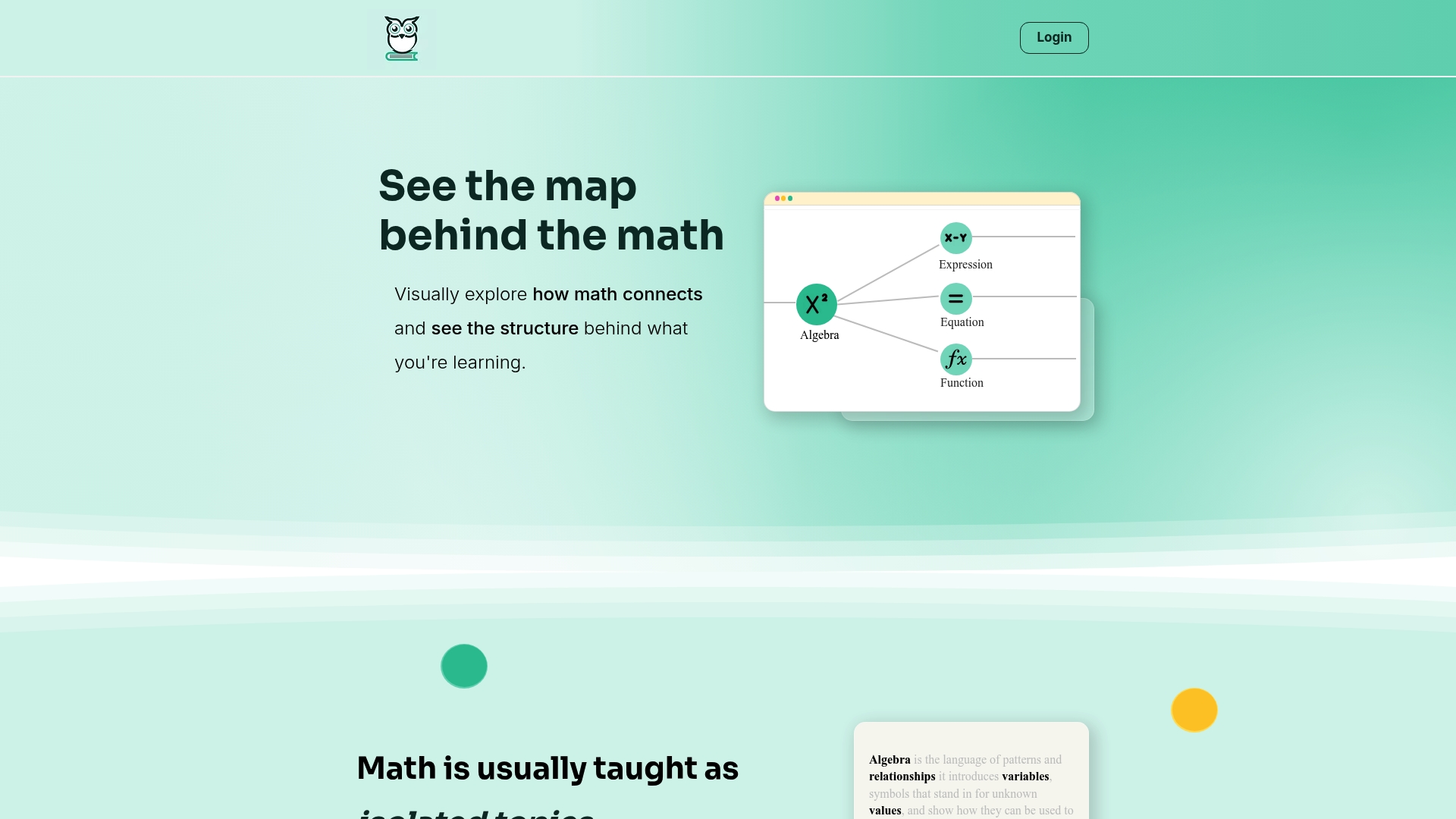
Wibly's marketing materials list over 5,000 interconnected math concepts presented as a navigable idea map. The interface prioritizes seeing relationships and structure in algebra rather than rote practice, so learners can trace how one concept leads to the next.
Core Features
- Visual exploration of math concepts that places ideas on a two-dimensional map for discovery and review.
- Map-like navigation that lets pupils follow prerequisite paths and return to earlier ideas without linear menus.
- Focus on algebra and pattern recognition with concept groupings designed to highlight structural similarities.
- Interactive nodes supporting concept-to-concept connections, not drill exercises.
- Coverage framed for concept mapping and curriculum planning rather than test-bank style practice.
Key Differentiator
What sets Wibly apart is the emphasis on a connected concept map as the learning surface. Instead of lists of lessons or flashcards, the platform encourages visual pattern recognition and conceptual linking, so teachers can show why topics belong together, not just how to compute them.
Pros
- Helps pupils see how topics link. The map view reduces isolated facts and makes prerequisite sequences visible for both teacher and learner.
- Makes abstract ideas more tangible. Visual nodes and connections support pupils who struggle with symbolic abstraction in algebra.
- Supports lesson planning. Teachers can scan a concept cluster to design a sequence that builds fluency across related skills.
- Interactive navigation increases engagement compared with static diagrams, especially for pupils who learn by exploring relationships.
- Broad concept coverage within its scope gives middle and early high school classes plenty to work with.
Cons
- Limited depth beyond algebra. Advanced topics in higher mathematics are not well represented on the site.
- No clear pricing information on the website, which complicates procurement conversations for schools and districts.
- The site lacks user reviews and case studies, so evaluating classroom impact requires local trials.
When It May Not Fit
If your curriculum demands extensive content beyond algebra, Wibly will feel narrow; it focuses on structural understanding rather than a full secondary math syllabus. District adoption teams seeking vendor case studies or published outcomes will find the site light on third-party evidence.
If you need packaged formative assessments or gradebook integrations, the platform's concept-map orientation does not include those features out of the box.
Who It's For
Wibly works best for middle school and early high school teachers, tutors, and pupils who value visual reasoning and concept sequencing. It suits educators designing concept-based units and pupils who benefit from spatial representations of abstract ideas.
Real World Use Case
A middle school teacher uses Wibly to introduce linear equations by navigating from arithmetic patterns to variable reasoning. Pupils explore linked nodes in small groups, identify prerequisite gaps, and teachers target follow-up mini-lessons based on the paths pupils took.
Pricing
The product data labels pricing as informational only. The website provides no subscription or fee details, so schools should contact the vendor for procurement, licensing models, and any institutional discounts.
Website: https://wibly.co
Adaptibles
At a Glance
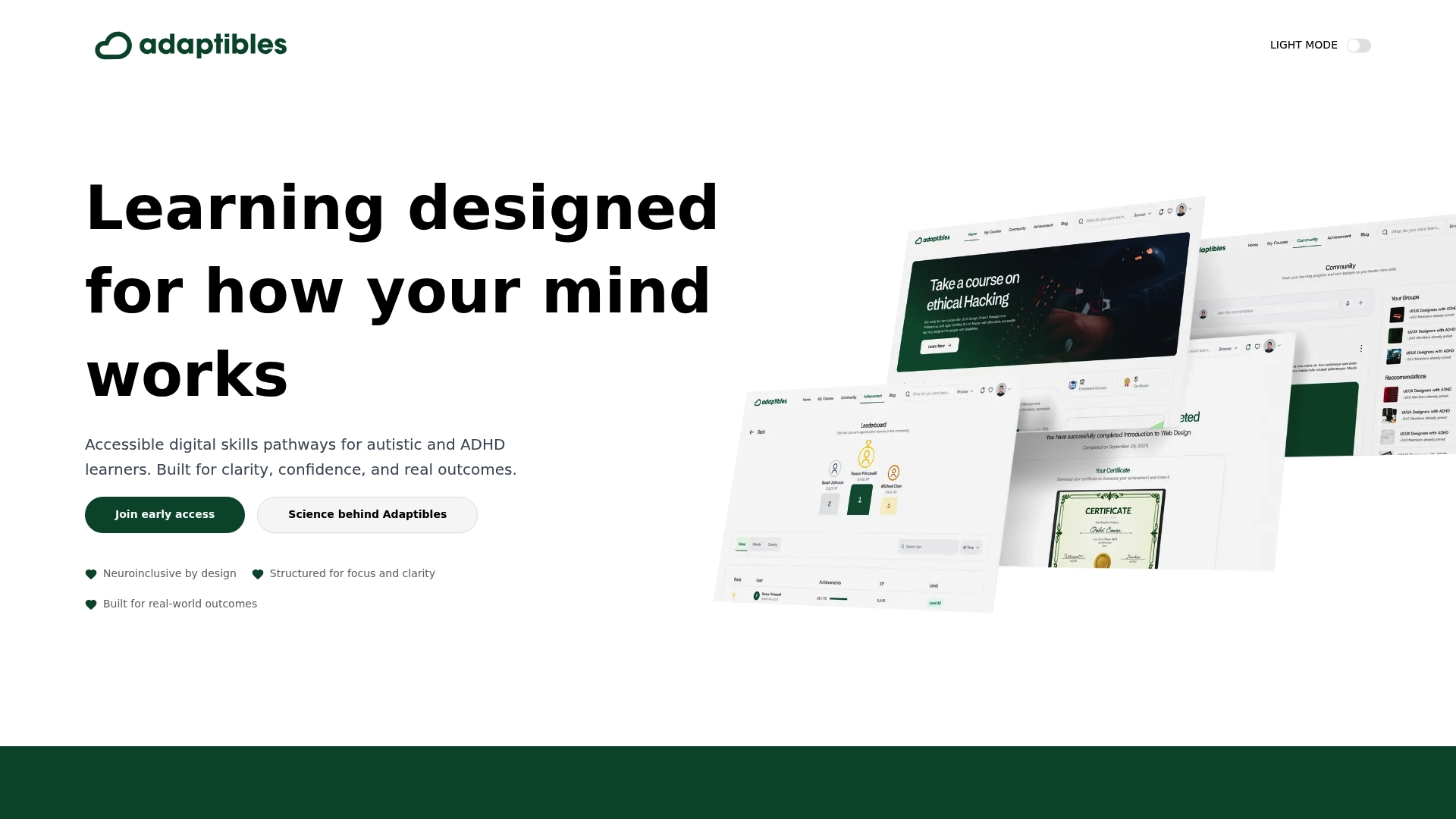
Rather than scoring learners by speed or course completion, Adaptibles recognizes skill through capability-based assessments and flexible pacing tailored for autistic and ADHD learners. The platform emphasizes clarity and reduced cognitive load so learners focus on practical tasks and real-world digital skills.
Core Features
Adaptibles is built around neurodiversity and cognitive science principles with interfaces designed to lower distractions and predictability for workflows. It offers clear, explicit instructions and multiple ways to engage with each module so learners can choose what fits their processing style.
The platform supports flexible pacing, modular lessons, and pathway mapping that lets members revisit concepts without penalty. Assessment centers on demonstrated capability rather than speed or completion counts.
Key Differentiator
What sets Adaptibles apart is its deliberate design to reduce cognitive overload while teaching practical digital skills. The combination of research-informed layout, multiple engagement modes, and assessments that value capability over completion gives educators and disability partners a different toolset from generalist learning forums.
Pros
-
Reduces frustration through simplified, predictable interfaces that lower mental effort during tasks.
-
Supports autonomous learning with flexible pacing so a learner can pause, practice, and return without losing progress or receiving penalizing scores.
-
Emphasizes real-world outcomes. Exercises map to workplace tasks and daily digital routines rather than abstract quizzes.
-
Useful for partnership programs. Disability organizations and schools can align modules to local vocational or support services.
-
Grounded in research, which makes the platform easier to justify in IEPS, support plans, or funding requests.
Cons
-
Narrow focus means mainstream learners seeking broad subject coverage may find the catalog limited.
-
Public information about the total number and depth of courses is sparse, leaving educators unsure about curriculum breadth before committing.
-
No clear pricing details are published publicly, which requires direct contact to understand licensing or subscription terms.
When It May Not Fit
If you need a general-purpose learning community that serves hundreds of mainstream topics, Adaptibles will feel small and specialized. Schools wanting an off-the-shelf full curriculum for every grade or subject will likely need a supplementary platform for subjects outside digital skills.
If transparent, searchable catalogs and course syllabi are a procurement requirement, the limited public documentation might slow adoption or require pilot programs.
Who It's For
Adaptibles fits neurodivergent learners who need low-distraction, dignity-focused instruction and educators, SENCOs, and disability organizations building supported pathways to employment. Use it when capability demonstration matters more than completion speed.
Real World Use Case
A special education teacher maps a two-month module to local supported employment goals. Learners practice real email and spreadsheet tasks at their own pace, submit evidence to capability assessments, and the teacher documents progress for transition planning.
Website: https://adaptibles.com
Edzy
At a Glance
Edzy puts AI tutoring inside WhatsApp and a mobile app for Classes 6 to 12, which makes quick doubt resolution feel like a chat with a tutor. The app targets CBSE and State Board pupils and pairs practice with timed, gamified exercises.
Core Features
- Step by step explanations that break complex topics into short, guided steps.
- Personalised study plans that adapt to a pupil's gaps and pace.
- Instant doubt solving through chat interfaces available on WhatsApp and the mobile app.
- Chapter wise practice with NCERT aligned questions for targeted revision.
- Guided practice and revision resources built around timed practice and gamification.
Key Differentiator
The core hook is on chat first access. Edzy's marketing emphasizes AI powered personalised tutoring that pupils can use from WhatsApp without switching platforms. That immediacy lowers the friction for asking quick questions during homework or while revising for exams.
Pros
- Pupils get step by step help that favors conceptual understanding over memorization, which reduces guesswork during tests.
- Real time doubt solving saves time compared with waiting for tutor sessions or forum answers.
- The personalised study plan focuses practice on weak chapters, so study sessions become more efficient.
- Gamified timed practice builds confidence under exam conditions and encourages daily habit formation.
- Parents receive visibility into progress and weak areas through the app, which helps follow up without extra meetings.
Cons
- Some third party reviews flag limits in content depth and occasional AI accuracy issues, though those reports vary by user.
- Curriculum coverage is limited to CBSE and Indian State Board syllabuses, so international or nonboard pupils will find gaps.
- Many AI features need a stable internet connection, which makes offline use or low bandwidth settings harder.
When It May Not Fit
If your pupil follows an International Baccalaureate or an overseas curriculum, Edzy will not match subject coverage. Schools that need formal reporting for screening signals or integration with existing LMS systems will find missing enterprise features. Families with intermittent internet access will see degraded performance.
Who It's For
Edzy fits CBSE and State Board pupils in Classes 6 to 12 who want fast, chat style help and structured practice. It also suits parents who want ongoing visibility into homework progress and weak topics without scheduling extra tuition.
Real World Use Case
A Class 10 pupil uses Edzy on WhatsApp to clear short algebra doubts after school. They follow a tailored study plan with timed NCERT aligned practice before exams. Over a term the pupil reports fewer careless mistakes and steadier scores on board style tests.
Website: https://edzy.ai
**Competitor eligibility:** - Excluded products (discontinued / inaccessible / under construction): AdaptaIQ (under-construction) - Usable competitors remaining: Wibly, Adaptibles, EdzyIntro pre-write:
- Does qwixl.com clearly outpace every usable competitor on a single dimension? YES
- If YES: dimension where qwixl.com wins , Integration of diverse classroom materials with longitudinal tracking
- First sentence draft: Personalised learning platforms provide tailored solutions within educational contexts, and discerning their particular strengths helps identify the ideal fit.
Competitor win pre-write:
- Which competitor wins which dimension: Wibly wins visual concept mapping because it emphasizes the structural understanding of algebra.
- Does this dimension matter to the primary reader? YES
Best Fit uniqueness check:
- List each bullet scenario in one clause: If you seek analytics across subjects / If visual mapping prioritization is your focus / For neurodiversity-friendly digital skills education / For CBSE-specific tutoring needs
- Can any two be swapped without changing meaning? NO
Our Pick pre-write:
- The ONE capability unique to qwixl.com in this set: Aggregated multidimensional data for proactive intervention
- Evidence from the reviews: “Qwixl integrates behavioral signals from multiple activities so teachers spot support needs earlier than with single-point checks.”
- Closing sentence draft: Qwixl excels in providing a unified platform for proactive support across diverse educational scenarios while maintaining accessibility.
- Substitution test: Wibly excels in providing a unified platform for proactive support across diverse educational scenarios while maintaining accessibility.
- Does the substituted version still work as a recommendation? NO
- If YES: rewritten closing sentence: None necessary.
Personalised learning platforms provide tailored solutions within educational contexts, and discerning their particular strengths helps identify the best fit.
Proactive Support and Aggregated Data Analysis
Qwixl differentiates itself by aggregating data from varied classroom activities, such as submissions in Google Docs and quizzes, into insights. This capability allows educators to recognize and address support needs earlier than end-of-term evaluations would allow. Such longitudinal tracking is valuable for educational planning and for enhancing interventions based on pupil progress. Competitors like Wibly and Edzy offer specialized approaches but do not match Qwixl's depth of integration and data-driven support mechanisms.
Specialization in Content Delivery Methods
While Qwixl's support spans diverse classroom workflows, competitors like Wibly and Adaptibles excel in distinct niches. Wibly's focus on algebra and its use as a concept-mapping interface aids in fostering structural comprehension, a highly valuable feature for pupils struggling with abstract reasoning in mathematics. Adaptibles, on the other hand, emphasizes reduced cognitive load for neurodiverse learners, showcasing its importance in special education contexts.
Best Fit Scenarios
- Select Qwixl if your educational setup requires centrally analyzing varied pupil outputs and providing proactive classroom support strategies.
- Opt for Wibly for a visually driven, pattern-recognition approach to mathematical concepts, ideal for architectural understanding.
- Consider Adaptibles if you prioritize flexibility for neurodiverse learners in digital education environments.
- Choose Edzy for focused, chat-based tutoring services tailored to specific academic boards such as CBSE.
Our Pick
Qwixl excels in offering a unified platform for proactive and adaptable educational planning by integrating diverse data sources into meaningful signals for early intervention. Nevertheless, those with niche priorities, such as subject mapping or neurodiversity accommodations, may find strong alternatives among its competitors."} } }
Discover a Tailored Alternative for Effective Personalised Learning
Choosing the right platform to support personalised learning and early screening signals can feel overwhelming with many options labeled as quevo.ai alternatives. If you want a solution that turns everyday classroom work into meaningful support signals without intrusive testing or labels, consider Qwixl. This platform captures detailed engagement data like typing patterns and written responses, helping teachers spot when pupils need help well before challenges become obvious.
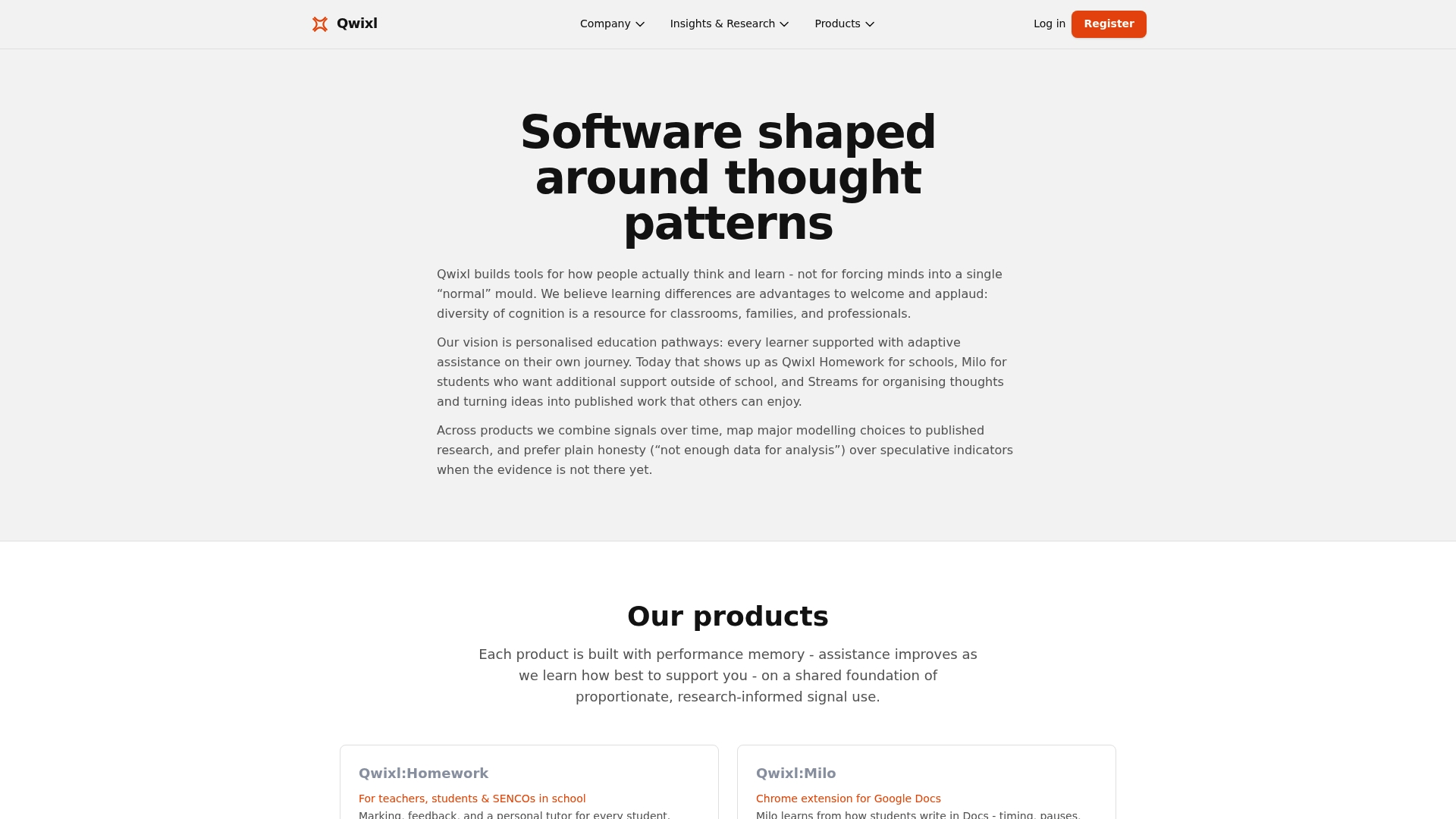
Explore how Qwixl's suite,Qwixl:Homework, Milo. Visit Qwixl to see how your school can start improving pupil care with adaptive insights. Act today to reduce guesswork and gain actionable feedback from routine assignments for better progress monitoring.
Frequently Asked Questions
How does Qwixl support personalised learning compared to traditional assessment methods?
Qwixl captures behavioral signals from typed and written work, allowing teachers to identify pupil support needs earlier than traditional assessment methods. This is achieved through features like long-term tracking and detailed question-level feedback, which guide teachers in offering tailored support. Schools looking for a proactive approach to pupil intervention can benefit significantly from this model.
What is the difference between Qwixl and Adaptables in terms of assessment focus?
Adaptables emphasizes capability-based assessments that prioritize skill demonstration over speed and completion, which can be beneficial for neurodivergent learners. In contrast, Qwixl focuses on integrating feedback from ongoing classroom activities to support personalised learning pathways. Educators can choose Qwixl if they want a tool that helps identify support needs during regular assignments.
Can I use Qwixl for tracking pupil progress over multiple years?
Qwixl provides longitudinal tracking across assignments and years, making it an excellent choice for educators who want to monitor pupil progress over time. This feature supports flexible assignment formats and helps in spotting trends that inform instructional decisions. Schools dedicated to long-term pupil development will find this functionality particularly useful.
Does Qwixl offer a free trial for educators?
Yes, Qwixl includes a free starter allocation of 20 credits, allowing educators to try the platform without any financial commitment. This feature makes it easy for teachers to test Qwixl in their classrooms before deciding to invest fully. It reduces the risk for schools considering new educational tools.
What makes Qwixl a better fit for classrooms focused on inclusion compared to other platforms?
Qwixl supports inclusion by allowing differentiated instructions within the same assignment, which keeps the class unified while addressing individual pupil needs. This approach, coupled with early identification tools, enables timely interventions, making Qwixl particularly effective for classrooms aiming to support diverse learners.