
Qwizi.app alternatives: screening and classroom insight
Commercial comparison; Homework-primary; signals not diagnoses.
Top 4 qwizi.app Screening Software Alternatives 2026
Getting clear and actionable early signals for special educational needs in the classroom is often complicated by software that either relies on single test data or lacks integration with day to day teaching tools. Many current options require manual data entry, offer limited progress tracking over time, or keep teachers, therapists, and parents siloed in separate views instead of a shared record. This comparison shows which special educational needs screening platforms support collaborative workflows, longitudinal pupil monitoring, and efficient reporting so your team can choose a tool that fits your support model before starting a lengthy pilot.
Table of Contents
Qwixl
At a Glance
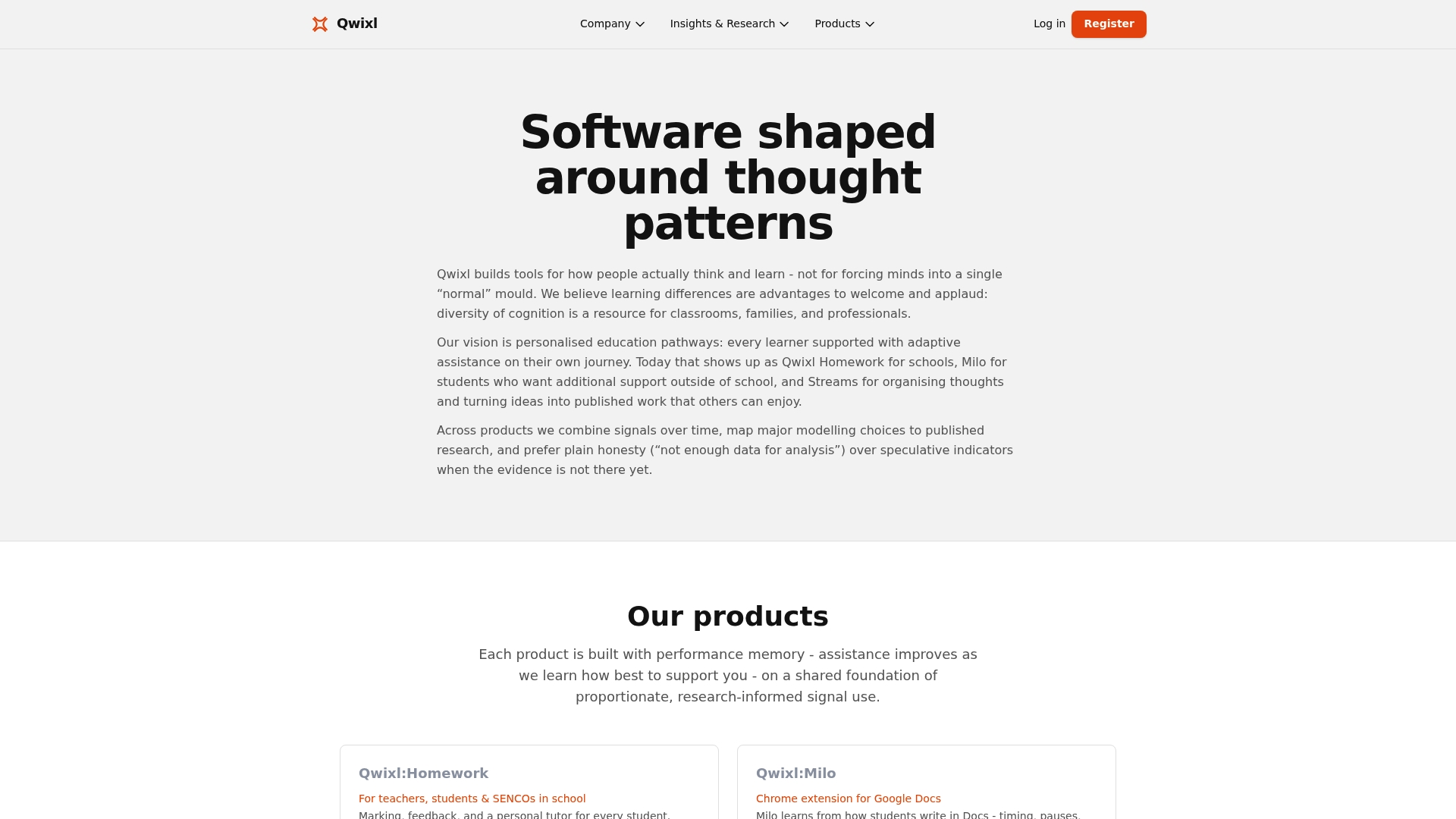
Start free with credits included; paid tiers move up through Silver, Gold, and Platinum and offer extra credits and top up packs. Qwixl combines writing and speaking signals over time to surface early support needs for learners.
Core Features
Qwixl:Homework, Milo. The platform tracks progress across assignments, terms, and years so development shows as a continuous record.
Qwixl provides an adaptive personal tutor that learns from pupil activity and offers targeted prompts and notes. Assignment creation accepts multiple formats and includes tools to generate questions for classroom or home use.
Key Differentiator
Qwixl focuses on longitudinal signals from both writing and speaking and uses that stream of data to highlight early indicators of support need rather than relying on a single test. That approach is designed around privacy conscious, research informed interpretation of learning behavior.
Pros
- Teachers get early signals that point to possible learning differences and support needs, helping them plan targeted interventions before gaps widen.
- The platform supports multiple school roles in one place: teachers, SENCOs, parents, and pupils each see tailored views and feedback relevant to their tasks.
- Continuous progress tracking across terms and years turns isolated assignments into a readable developmental story for meetings and reviews.
- The adaptive personal tutor personalizes help at question level with comments, notes, and follow up guidance, reducing repetitive marking workload.
- Integrates with Google Classroom so assignments and roster workflows slot into tools many schools already use.
Cons
- Relies on signals and patterns rather than direct diagnosis, which limits precision for cases that require formal clinical assessment.
Notable Integrations
- Google Classroom for syncing classes, assignments, and rostering with common school workflows.
Who It's For
Educators, SEN coordinators, and parents who want research informed, privacy focused support for personalised learning and early intervention. The platform is aimed at school settings that need ongoing formative signals rather than one off summative checks.
Unique Value Proposition
Longitudinal signal aggregation makes teacher decisions more defensible in meetings and plans. Seeing writing and speaking patterns evolve across terms shifts intervention from reactive patches to documented, timed support actions that align with school review cycles.
Real World Use Case
A primary school uses Qwixl to monitor writing patterns across a cohort. Teachers spot a cluster of pupils showing similar early signals, SENCOs schedule small group support, and parents access progress notes to reinforce strategies at home.
Pricing
Start with a free account that includes credits for trial activity. Paid tiers are Silver, Gold, and Platinum with rising credit bundles and optional top up packs. Plans can be upgraded or canceled in the portal.
Website: https://qwixl.com
BrighterBalance
At a Glance
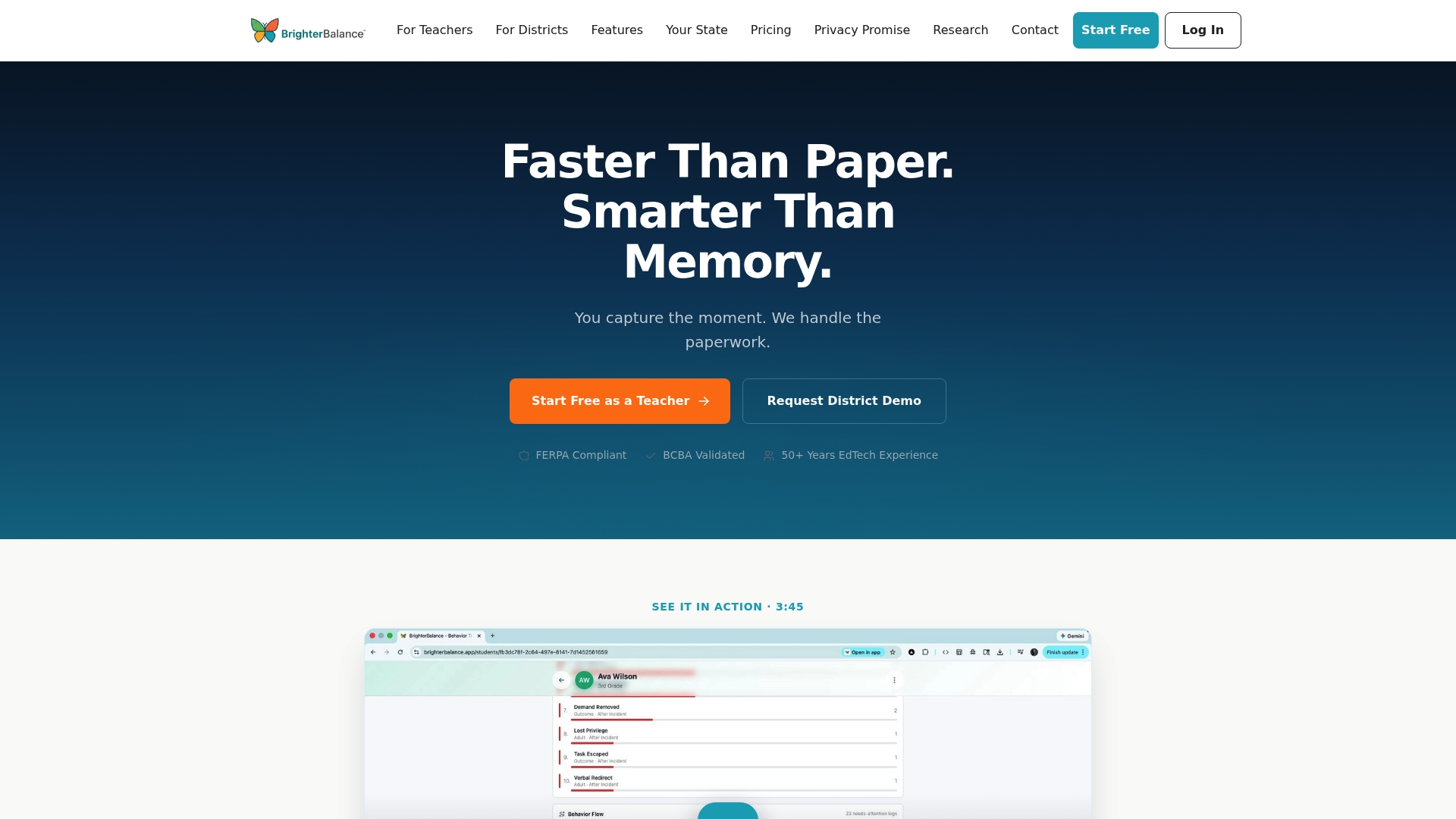
Teachers can capture pupil behavior in real time using email, photos, voice notes, or quick manual entries, then get auto-classified logs and ready-made summaries. The vendor states BrighterBalance is UK GDPR and COPPA compliant and that it was built by educators with over 50 years of combined experience.
Core Features
- Behavior inbox that accepts email, photo, voice, and manual entries for in-class capture.
- Auto-classified behavior logs that structure incidents for reporting and trends.
- Automatic generation of daily behavior reports, DBRs, ABC summaries, and trend lines.
- AI Advisor that suggests evidence-based classroom strategies based on captured patterns.
- Pupil-level and district dashboards for compliance tracking and visibility.
Key Differentiator
BrighterBalance is built explicitly for in-class use, prioritizing rapid capture and automated classification so teachers can log events without leaving instruction. Its emphasis on classroom workflows and district dashboard visibility sets it apart from generic incident trackers.
Pros
- Rapid logging reduces paperwork by letting teachers record with a photo or voice note during lessons, cutting postclass data entry.
- The automated report generation produces DBRs and ABC summaries without manual formatting, saving hours each week for special educators.
- District dashboards centralize compliance documentation for support plans, graduated SEND support, Child Find, and PBIS reviews, which helps district teams prepare for meetings.
- The vendor markets offline capture with automatic syncing, useful in classrooms with spotty connectivity.
- Built-in privacy controls and the compliance claim above aim to make adoption smoother in districts with strict data policies.
Cons
- There are no independent third-party reviews cited, so real-world reliability and long term user satisfaction are not externally validated.
- Public details on deep customization and rule tuning are limited, which could matter for districts that need highly specific behavior taxonomies.
- The product literature lists few user-reported drawbacks, making it harder to anticipate edge-case workflow friction before a pilot.
Who It's For
Classroom teachers, special educators, and district behavior support teams who need fast, privacy-conscious behavior documentation that plugs into graduated SEND support and special education workflows. It favors teams that want automated reports over manual log maintenance.
Real World Use Case
A special educator records behavior with a phone voice note during class. The entry is auto-classified, appears in the pupil log, and the system compiles a weekly report for the graduated SEND support meeting, cutting manual prep from hours to minutes.
Pricing
No public pricing is listed; the product data describes the offering as informational only. District procurement typically requires contacting the vendor for pilot, volume, and licensing details.
Website: https://brighterbalance.app
Trarrk
At a Glance
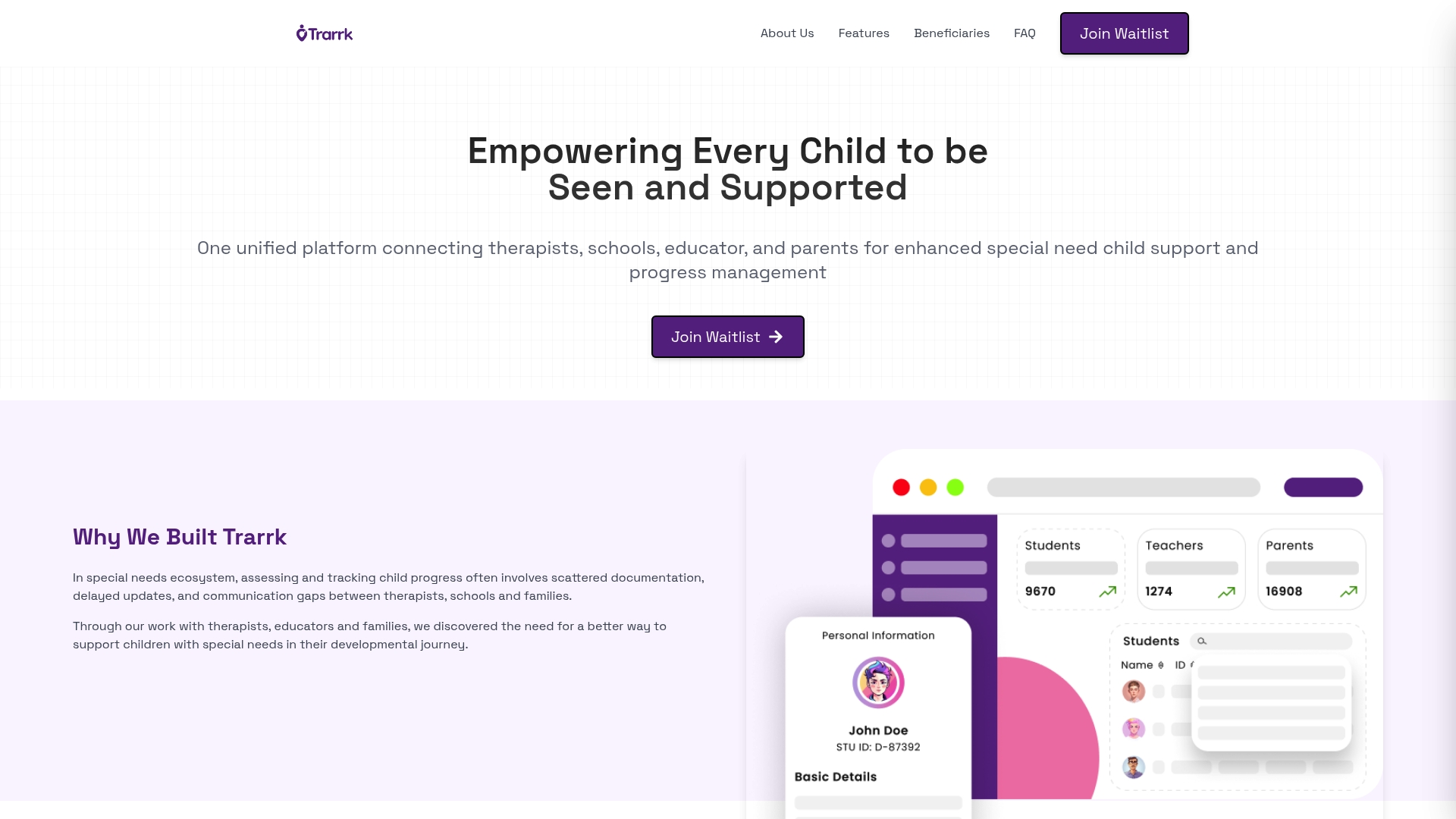
Currently in final development, Trarrk offers early access via a waitlist and centers on AI progress tracking plus shared care circles for children with special needs. The platform aims to connect schools, therapists, parents, and care providers around a single progress record.
Core Features
-
AI-powered progress monitoring across academic, health, behavioral, and developmental domains to summarize trends and flag changes.
-
Connected support circles that let teachers, therapists, parents, and care providers share notes, tasks, and updates in a single thread.
-
Data-driven insights with pattern recognition and personalised recommendations to shape goals and daily interventions.
Key Differentiator
Trarrk's standout claim is the combination of AI-powered progress tracking with collaboration tools built specifically for special needs support teams. That pairing is framed to reduce duplicated notes and siloed communication while keeping progress records centralized.
Pros
-
Faster team coordination. Shared support circles reduce the need for repeated emails and fragmented updates across multiple systems.
-
Focused on special education workflows. The feature set targets the way therapists and schools record goals and daily supports rather than generic classroom tools.
-
Early access lets practitioners influence feature priorities and workflows during final development.
-
The insights promise to highlight development patterns visually, which helps teams convert observations into measurable targets.
Cons
-
No independent reviews exist yet, so real-world satisfaction and effectiveness are unverified.
-
The product is still in development, which risks delayed timelines or feature gaps at launch.
-
Public details on data privacy are limited beyond general statements, which may worry school IT or district legal teams.
When It May Not Fit
If your district requires mature vendor references or an established track record, Trarrk's prelaunch status makes it a risky primary system. Also avoid it where strict, documented data protection policies are mandatory before piloting with pupil records.
Who It's For
School special education teams, therapists, and parents who want a shared communication hub and structured progress records. It suits groups willing to test early builds and provide feedback to shape workflows.
Real World Use Case
A school case manager starts a Trarrk support circle for a pupil with an individualized education plan. Teachers log weekly academic notes, the speech therapist uploads short session summaries, and parents receive instant updates and goal adjustments.
Website: https://trarrk.com
Comparing Special Educational Needs Screening Software
Selecting the software platform for supporting SEND hinges on targeted factors such as functionality, data accessibility, integration capabilities, and the capacity to address unique education and intervention contexts.
Data Collection and Analysis Approaches
Qwixl utilizes longitudinal data from both writing and speaking inputs, presenting unique insights into pupil progression over time. This positions it strongly for institutions focusing on the nuanced development of pupils with SEND. On the other hand, BrighterBalance emphasizes immediate behavior capture and classification, offering substantial support for classroom-based documentation and reporting workflows. For real-time observation-driven scenarios, this feature could be particularly advantageous.
Integration with Existing Systems
The integration capabilities of these platforms also differ. Qwixl boasts compatibility with tools like Google Classroom, enabling it to align with established educational digital ecosystems. Conversely, Trarrk promotes shared communication among educators and therapists through collaborative circles, though its incomplete development status means potential adopters must weigh this feature against the system's maturity and reliability risks.
Best Fit Recommendations
- Select Qwixl if your institution prioritizes longitudinal data analysis to guide early and effective SEN interventions.
- Choose BrighterBalance if your main requirement is streamlined classroom capture and automatic reporting of behavioral data.
- Consider Trarrk if enhancing real-time communication among multidisciplinary teams is a central need, and you are willing to engage with a developing system.
Our Pick
Qwixl is ideally suited for institutions focused on ongoing, research-informed analyses of pupil development, thanks to its dual data stream approach and adaptive tutor features. However, environments heavily reliant on instantaneous classroom capture might find BrighterBalance a better alignment with their processes.
Special Educational Needs Screening Software Comparison
Explore specialized platforms that visualize progress, support intervention planning, and streamline workflows.
| Product | Core Feature Description | Key Differentiator | Best for | Pricing | Notable Limitation |
|---|---|---|---|---|---|
| Qwixl | Longitudinal signal aggregation for insights | Tracks writing and speaking signals for early detection | Educators and parents focused on privacy | Free plan; paid tiers with credits available | Lacks formal diagnostic outcomes |
| BrighterBalance | Behavior logging in real-time | Rapid logging and automated summaries for classrooms | Teachers handling classroom incidents | Not disclosed | Limited independent user validation |
| Trarrk | AI-powered multi-domain progress monitoring | Combines AI insights with shared communication circles | Development teams working with prototypes | Prelaunch phase | Early stage with unverified claims |
Discover How Qwixl Stands Out Among qwizi.app Alternatives for Personalised Learning Support
Choosing the right screening software can feel overwhelming when you need clear, ongoing insights rather than one-time snapshots. Unlike traditional tools, Qwixl captures writing and speaking patterns over time to help educators identify early support needs with privacy and research-backed accuracy. This lets teachers, SENCOs, and parents track real progress and plan meaningful interventions before challenges grow.
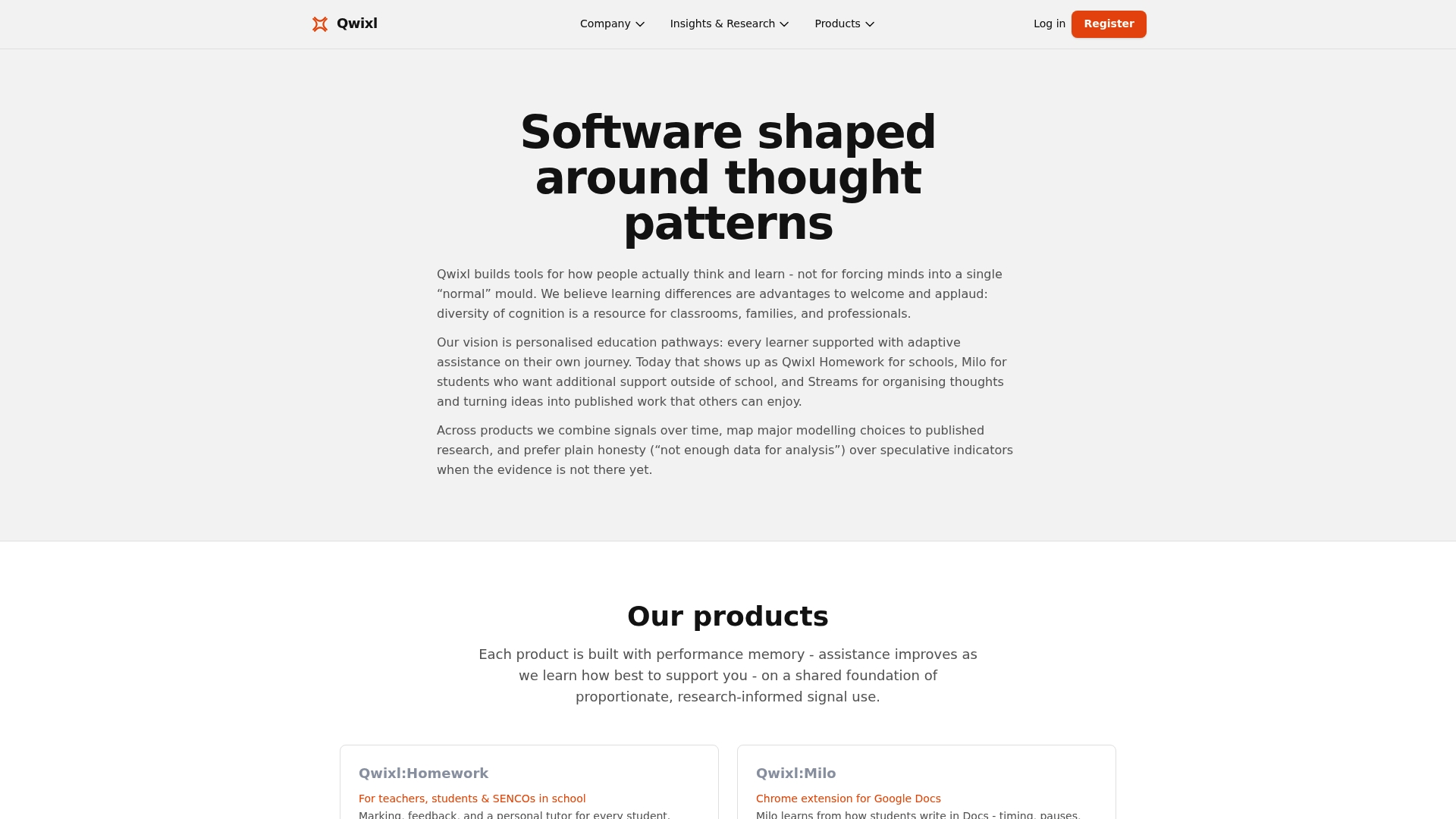
Explore how Qwixl's adaptive personal tutor and continuous learning signals deliver actionable feedback that fits into your everyday teaching. Visit Qwixl to start with free credits and see how ongoing pupil engagement can guide smarter support decisions.
Frequently Asked Questions
How does Qwixl help teachers identify learning differences early?
Qwixl provides early signals pointing to potential learning differences, enabling teachers to plan targeted interventions proactively. The platform tracks progress across multiple assignments, highlighting trends over time rather than relying on isolated tests. This allows educators to implement support before gaps widen, ensuring timely assistance for pupils.
What is the difference between BrighterBalance and Qwixl regarding behavior tracking?
BrighterBalance excels at capturing real-time pupil behavior through varied logging methods, allowing for quick submissions like photos or voice notes during class. Qwixl, on the other hand, focuses more on longitudinal data from writing and speaking patterns to flag early support needs instead of immediate behavioral incidents. This makes Qwixl better suited for ongoing assessments rather than moment-to-moment behavior tracking.
Which platform generates daily reports for behavior documentation?
BrighterBalance automatically generates daily behavior reports, DBRs, and ABC summaries, simplifying documentation for teachers. This feature allows educators to quickly compile behavioral insights without time-consuming manual entries, making it an efficient tool for special educators focused on compliance and documentation.
Can I use Qwixl for monitoring writing patterns over multiple terms?
Qwixl effectively tracks writing patterns across assignments, terms, and years, creating a comprehensive record of pupil development. This feature enables teachers and SEN coordinators to see a continuous developmental story, facilitating informed discussions in meetings and reviews. This continuous tracking sets it apart from one-time assessments.
What can teachers expect with Qwixl's adaptive personal tutor feature?
Qwixl's adaptive personal tutor learns from pupil activity, offering targeted prompts and notes tailored to individual needs. This personalised assistance reduces repetitive marking workload for teachers, providing specific feedback at the question level, which enhances the overall learning experience.